Zed Code Editor vs Notepad3

Compare features, pricing, and capabilities to find which solution is best for your needs.

Zed Code Editor icon

Zed Code Editor

Zed was a powerful, open-source code and text editor designed for developers who prioritized keyboard-centric workflows and offline capabilities. It aimed to provide a fast, responsive editing experience with advanced features like syntax highlighting, code completion, and integrated tools. by Zef Hemel

Open Source
Platforms: Mac OS X Windows Linux Online Chrome OS Google Chrome Discontinued
Screenshots:
VS
Notepad3 icon

Notepad3

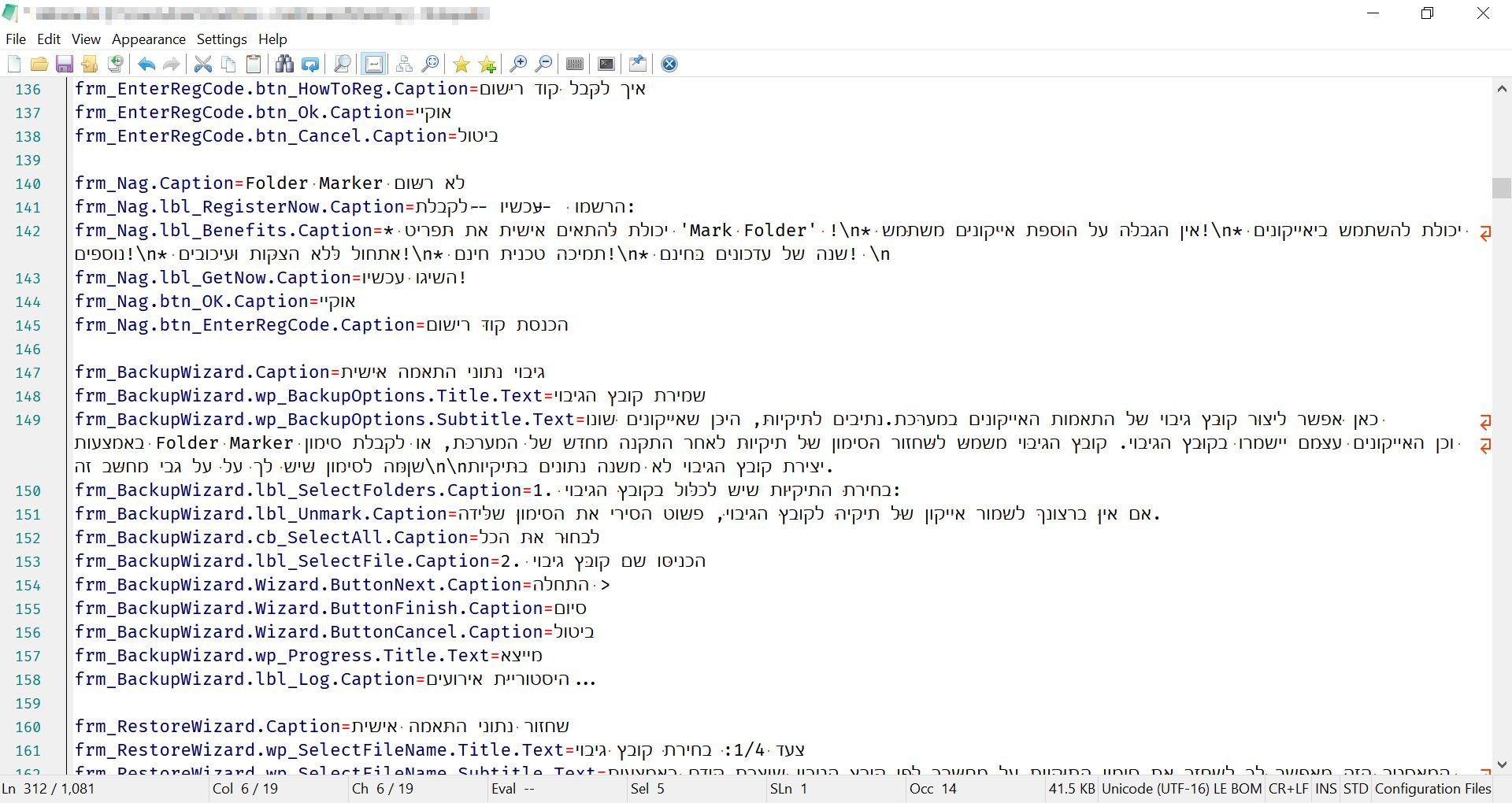
Notepad3 is a fast, light-weight, and highly configurable text editor for Windows, designed for developers and power users. Based on the Scintilla source code editing component, it offers syntax highlighting for numerous programming languages, powerful search and replace with regular expressions, and extensive customization options, making it a robust alternative to Notepad. by Rizonesoft
Open Source
Platforms: Windows
Screenshots:

Comparison Summary

Zed Code Editor and Notepad3 are both powerful solutions in their space. Zed Code Editor offers zed was a powerful, open-source code and text editor designed for developers who prioritized keyboard-centric workflows and offline capabilities. it aimed to provide a fast, responsive editing experience with advanced features like syntax highlighting, code completion, and integrated tools., while Notepad3 provides notepad3 is a fast, light-weight, and highly configurable text editor for windows, designed for developers and power users. based on the scintilla source code editing component, it offers syntax highlighting for numerous programming languages, powerful search and replace with regular expressions, and extensive customization options, making it a robust alternative to notepad.. Compare their features and pricing to find the best match for your needs.

Pros & Cons Comparison

Zed Code Editor

Zed Code Editor

Analysis & Comparison

Advantages

Works completely offline.
Lightweight and performant.
Keyboard-centric for efficient editing.
Open source.

Limitations

Project is discontinued, no future updates or support.
Limited feature set compared to modern, actively developed IDEs.
Potential security risks due to lack of updates.
Smaller community and less available support.
Notepad3

Notepad3

Analysis & Comparison

Advantages

Extremely lightweight and fast launch.
Comprehensive syntax highlighting for many languages.
Powerful search and replace with regular expressions.
Deeply customizable interface and behavior.
Portable application; no installation required.
Open-source and free to use.

Limitations

No built-in plugin ecosystem like larger IDEs.
Lacks advanced debugging features.
Limited support for project management.
User interface is functional but not modern or flashy.

Compare with Others

Explore more comparisons and alternatives

Compare features and reviews between these alternatives.

Compare

Compare features and reviews between these alternatives.

Compare

Compare features and reviews between these alternatives.

Compare

Compare features and reviews between these alternatives.

Compare
Advertisement

Compare features and reviews between these alternatives.

Compare

Compare features and reviews between these alternatives.

Compare

Compare features and reviews between these alternatives.

Compare

Compare features and reviews between these alternatives.

Compare

Compare features and reviews between these alternatives.

Compare

Compare features and reviews between these alternatives.

Compare

Compare features and reviews between these alternatives.

Compare

Compare features and reviews between these alternatives.

Compare