QOwnNotes vs CherryTree

Compare features, pricing, and capabilities to find which solution is best for your needs.

QOwnNotes icon

QOwnNotes

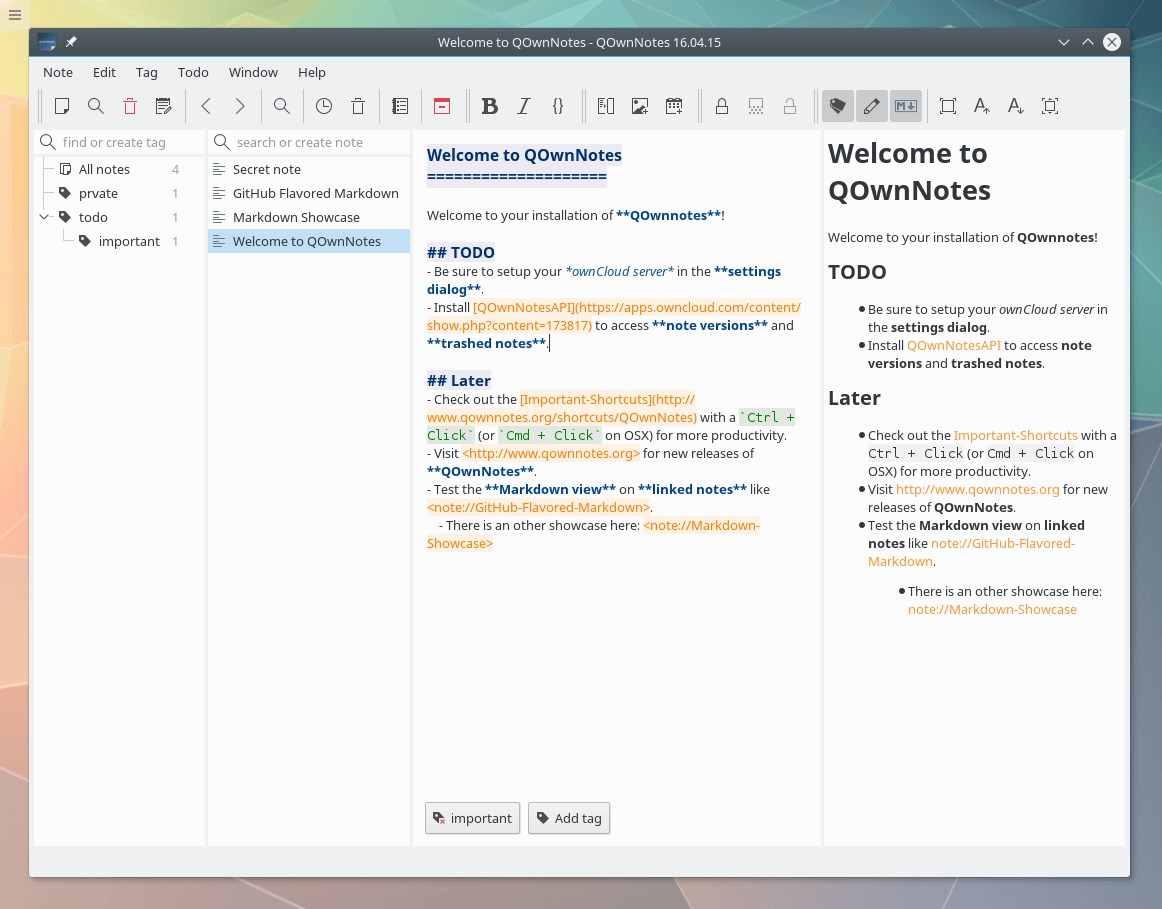
QOwnNotes is a powerful yet simple open-source plain-text note-taking and to-do list application with Markdown support, designed for seamless integration with ownCloud and Nextcloud instances while also offering standalone functionality. by Patrizio Bekerle
Open Source
Platforms: Mac OS X Windows Linux Qt
Screenshots:
VS
CherryTree icon

CherryTree

CherryTree is a powerful, free, and open-source hierarchical note-taking application. It allows you to organize your thoughts, ideas, notes, and code snippets in a tree-like structure with rich text editing and syntax highlighting. by Giuseppe Penone

Open Source
Platforms: Windows Linux PortableApps.com
Screenshots:

Comparison Summary

QOwnNotes and CherryTree are both powerful solutions in their space. QOwnNotes offers qownnotes is a powerful yet simple open-source plain-text note-taking and to-do list application with markdown support, designed for seamless integration with owncloud and nextcloud instances while also offering standalone functionality., while CherryTree provides cherrytree is a powerful, free, and open-source hierarchical note-taking application. it allows you to organize your thoughts, ideas, notes, and code snippets in a tree-like structure with rich text editing and syntax highlighting.. Compare their features and pricing to find the best match for your needs.

Pros & Cons Comparison

QOwnNotes

QOwnNotes

Analysis & Comparison

Advantages

Uses plain-text for maximum compatibility and future-proofing.
Excellent Markdown support with live preview.
Seamless and private synchronization with ownCloud/Nextcloud.
Integrated to-do list management.
Highly configurable interface and features.
Available on multiple major operating systems.

Limitations

Requires manual configuration for advanced features like cloud sync.
Plain-text format may lack advanced formatting options found in rich text editors.
User interface, while functional, might appear basic compared to some modern applications.
CherryTree

CherryTree

Analysis & Comparison

Advantages

Excellent hierarchical organization.
Supports both rich text and syntax highlighting.
Data is stored in a single file, easy to backup.
Offers password protection for security.
Available as a portable application.
Free and open source.

Limitations

User interface might feel less modern than some alternatives.
Syncing across devices requires manual file management unless using third-party tools.
Learning curve for fully utilizing all features.

Compare with Others

Explore more comparisons and alternatives

Compare features and reviews between these alternatives.

Compare

Compare features and reviews between these alternatives.

Compare

Compare features and reviews between these alternatives.

Compare

Compare features and reviews between these alternatives.

Compare
Advertisement

Compare features and reviews between these alternatives.

Compare

Compare features and reviews between these alternatives.

Compare

Compare features and reviews between these alternatives.

Compare

Compare features and reviews between these alternatives.

Compare

Compare features and reviews between these alternatives.

Compare

Compare features and reviews between these alternatives.

Compare

Compare features and reviews between these alternatives.

Compare

Compare features and reviews between these alternatives.

Compare